
Fathom AI Review: free AI meeting assistant for transcripts, summaries, and follow-ups.
Compare Fathom AI as an AI meeting assistant for Zoom, Google Meet, Microsoft Teams, sales calls, customer interviews, team meetings, and recurring online conversations where transcripts, summaries, action items, and follow-up workflows matter.
Meeting transcripts
Best when you want online meetings recorded, transcribed, and searchable later.
AI summaries
Useful for fast meeting recaps, follow-up emails, and post-call review.
Action items
More valuable when meeting notes need to become next steps and follow-up tasks.
Free-first option
A strong option to test if you want an AI meeting assistant before paying.
What is Fathom AI?
A practical overview for buyers comparing Fathom AI with Otter.ai, Fireflies.ai, PLAUD Note, AI meeting transcription software, and meeting note-taking tools.
Fathom AI as an AI meeting assistant
Fathom AI is best compared as an AI meeting assistant for recording, transcription, summaries, clips, search, action items, and follow-up workflows. It is especially relevant for users who want to stay focused on the meeting instead of writing notes manually.
The key appeal is that it can be tested as a free-first meeting assistant before you decide whether premium summaries, team features, CRM workflows, or deeper automation are worth paying for.
When it is worth considering
Fathom AI becomes more useful when your meetings are frequent and the same notes need to become summaries, follow-up emails, clips, action items, CRM updates, or shared team context.
Before paying, compare current pricing, free plan limits, premium AI summary rules, supported meeting platforms, CRM integrations, export options, admin controls, privacy settings, and whether your team will actually review the meeting history.
A closer look at the Fathom AI meeting workflow.
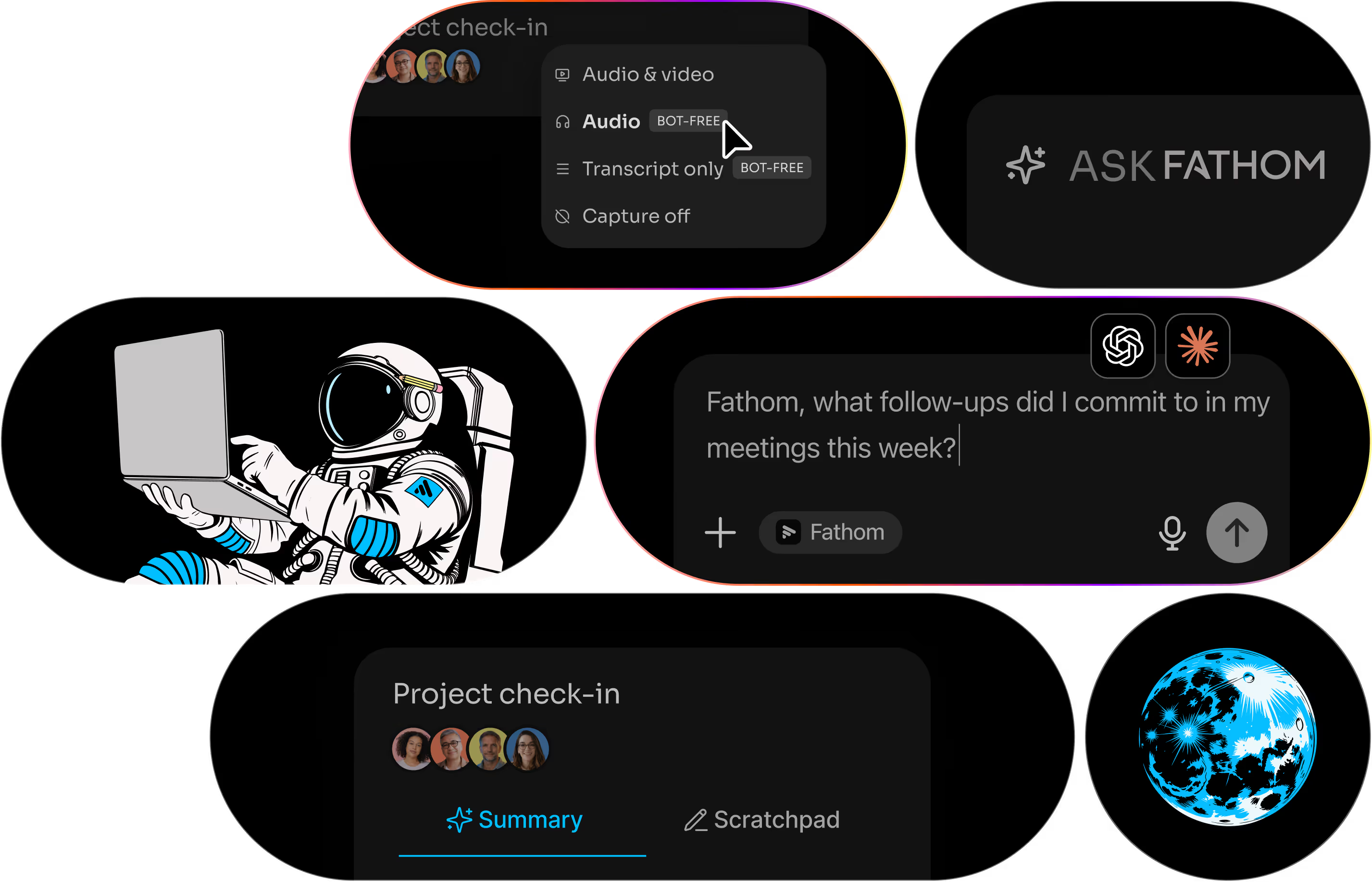
For software product pages, the interface screenshot matters as much as a hardware product photo. Buyers need to understand how meeting summaries, transcripts, action items, and follow-up workflows actually look.
This app image helps users compare Fathom AI with Otter.ai, Fireflies.ai, tl;dv, PLAUD Note, and other AI meeting assistants before choosing a plan.
Interface image from Fathom official siteFathom AI makes sense when you want to test meeting AI without overcommitting.
If your team lives inside Zoom, Google Meet, Microsoft Teams, sales calls, interviews, demos, or recurring internal calls, Fathom AI can be a practical first AI notetaker to test.
The buying question is simple: does it save enough time on summaries, follow-ups, and post-meeting admin to justify moving beyond the free workflow?
Good for
Online meetings, sales calls, customer interviews, demos, internal team calls, project check-ins, and recurring work discussions.
Maybe not for
People who mostly record offline conversations, need dedicated hardware capture, dislike meeting bots, or only need occasional voice memos.
Best workflow
Record the meeting, review the summary, extract action items, create follow-ups, then push important details into your real work system.
Check before paying
Current free plan limits, advanced summary rules, integrations, CRM workflows, exports, privacy settings, and team controls.
Ready to check the current Fathom AI plans?
Use the official pricing page to confirm the latest free plan, premium plan, team plan, business features, meeting capture options, CRM workflows, AI summary rules, and collaboration features before paying.
Disclosure: This is currently an official pricing link. If replaced with an affiliate link later, AI Gear Picks may earn a commission at no extra cost to you.
Fathom AI vs Otter.ai, Fireflies.ai, and PLAUD Note
Use this comparison to decide whether Fathom AI is the right AI meeting assistant for your workflow.
Fathom AI vs Otter.ai
Compare Fathom AI when you want a strong free-first AI notetaker and fast meeting summaries. Compare Otter.ai when collaborative transcript review and meeting note organization matter more.
Fathom AI vs Fireflies.ai
Compare Fireflies.ai when integrations, meeting search, CRM workflows, and team automation are the bigger priority. Compare Fathom AI when the free-first meeting assistant workflow is the main appeal.
Fathom AI vs PLAUD Note
Choose Fathom AI for software-first online meeting capture. Choose PLAUD Note when you need a dedicated AI voice recorder for in-person meetings, interviews, lectures, or phone calls.
Choose Fathom AI when post-meeting follow-up is the pain.
Fathom AI is strongest when your workflow starts with calls and ends with summaries, follow-up emails, action items, searchable meeting history, and CRM or task updates. If your pain is capturing audio away from your laptop, compare hardware recorders first.
Where Fathom AI can be useful
Fathom AI is strongest when meeting content needs to become a summary, action list, clip, or follow-up message.
Sales calls
Capture customer language, objections, next steps, demo feedback, and follow-up notes after calls.
Customer interviews
Useful for discovery calls, research interviews, user feedback, and expert conversations.
Team meetings
Helpful for recurring check-ins, project discussions, internal updates, and decisions that need tracking.
Follow-up workflows
Useful when meeting notes need to become emails, action items, clips, or shared team context.
Buying checklist
- Do you need a free-first AI meeting assistant before paying?
- Are your meetings mostly online, in-person, or mixed?
- Do you need action items, follow-up emails, clips, CRM sync, or team search?
- Does your team allow meeting bots and recording assistants?
Common mistakes
- Assuming free is enough without testing real meeting volume and summary needs.
- Paying before checking which advanced AI features you actually use.
- Ignoring CRM, task, and workflow requirements before comparing alternatives.
- Forgetting consent, privacy, and workplace meeting-bot policies.
Fathom AI FAQ
Short answers for buyers comparing Fathom AI with Otter.ai, Fireflies.ai, and dedicated AI recorders.
Is Fathom AI worth it?
Fathom AI is worth considering if you regularly need transcripts, summaries, action items, clips, and follow-up workflows from online meetings. It is especially worth testing if you want a free-first AI meeting assistant before paying for advanced features.
Is Fathom AI better than Otter.ai?
It depends on the workflow. Fathom AI is strong when the free-first meeting assistant and follow-up workflow are the main appeal. Otter.ai may be better when collaborative transcript review and meeting note organization are more important.
Is Fathom AI better than Fireflies.ai?
Fathom AI is easier to compare when you want a free-first AI notetaker. Fireflies.ai may be stronger when integrations, CRM workflows, meeting search, and team automation are bigger priorities.
Who is Fathom AI best for?
Fathom AI is best for people who attend recurring online meetings, sales calls, interviews, demos, or customer conversations and want transcripts, summaries, and faster follow-up.
What should I check before paying for Fathom AI?
Check current pricing, free plan limits, premium AI summary rules, action items, CRM features, meeting platform support, exports, admin controls, privacy settings, and recording consent requirements.
AI meeting assistants need clear expectations.
Before using any AI meeting assistant, check whether participants are notified, whether your workplace allows meeting bots, and how recordings or transcripts are stored. For sensitive calls, ask first and keep only what you truly need.
Keep comparing before you choose a plan
Use these internal guides to compare Fathom AI with other AI meeting tools and dedicated AI recorders.
Ready to compare free-first AI meeting assistants?
Check Fathom's current plans, then compare it with Otter.ai, Fireflies.ai, and dedicated AI recorders before choosing.
Disclosure: This link currently points to Fathom's official pricing page and can be replaced with your affiliate link later.
Follow up faster.